

Description
Download Pdf to Word PDF Converter – Free, Secure & Fast PDF to Word Conversion Tool for Windows, Mac, Android & iOS
Why Choose Pdf to Word PDF Converter for Your Document Needs?
In today’s digital world, the need to convert PDF files to editable Word documents has never been more critical. Whether you're a student, professional, or content creator, having a reliable PDF to Word converter can save you hours of tedious work. Pdf to Word PDF Converter by FascinatedMoonApps is a lightweight, user-friendly tool designed to make this process seamless. With just a few clicks, you can transform static PDFs into fully editable Microsoft Word (.docx) files, preserving original formatting, fonts, and layout. This free software is ideal for anyone who frequently works with PDFs and needs to edit, revise, or reuse content without starting from scratch.
The tool supports batch conversion, allowing you to process multiple files simultaneously—a major time-saver for users managing large volumes of documents. It works flawlessly across all recent versions of Windows, including Windows 10 and 11, and is also compatible with Mac OS, Android, and iOS, making it a truly cross-platform solution. Unlike many online converters that require file uploads and raise privacy concerns, this desktop application keeps your data local and secure. There are no intrusive ads, no watermarks, and no hidden subscription fees—just a clean, straightforward interface focused on one goal: fast, accurate conversion.
What sets this tool apart is its simplicity. You don’t need to install additional plugins or software. Simply download the installer, run it, and start converting. The intuitive design ensures even beginners can navigate the app with ease. Whether you're converting a research paper, a contract, or a presentation, Pdf to Word PDF Converter delivers consistent results. It’s an essential addition to your digital toolkit, offering a secure, fast, and reliable way to convert PDFs to Word—without compromising on quality or privacy.
Key Features of Pdf to Word PDF Converter – What Makes It Stand Out?
When it comes to PDF to Word conversion software, not all tools deliver on speed, accuracy, and usability. Pdf to Word PDF Converter excels in all three areas, thanks to its powerful yet simple feature set. One of the most valuable features is batch processing, which allows users to select multiple PDF files at once and convert them into Word documents in a single operation. This is especially beneficial for professionals handling large volumes of documents, such as legal teams, educators, or administrative staff.
Another standout feature is its format preservation. The software intelligently maintains original fonts, paragraph spacing, headers, footers, and even tables. This ensures that your converted Word files look nearly identical to the source PDFs—no need for manual reformatting. For users who rely on precise document layouts, this level of fidelity is crucial.
The app also supports high-resolution output, ensuring that scanned PDFs and image-based documents are converted with clarity and readability. Text recognition is handled efficiently through advanced OCR (Optical Character Recognition) technology, making it ideal for converting scanned documents into editable content.
Additional features include a built-in preview mode that lets you review the converted document before saving, a customizable output folder for organized file management, and automatic file naming to avoid confusion. The software runs in the background with minimal system resource usage, so your computer remains responsive during conversion. Whether you're on a Windows PC, Mac, Android tablet, or iOS device, the app delivers consistent performance across platforms.
- One-click conversion with no complex setup
- Batch processing for multiple PDF files at once
- Preserves original formatting, fonts, and layout
- Advanced OCR for scanned and image-based PDFs
- Supports Windows, Mac, Android, and iOS
- Free to use with no ads or hidden fees
- Secure offline conversion – no file uploads
- Customizable output settings and folder options
How to Install and Use Pdf to Word PDF Converter on Any Device
Getting started with Pdf to Word PDF Converter is simple and requires no technical expertise. The installation process is quick and straightforward across all supported platforms. On Windows, visit the official website, download the .exe installer file, and run it. Follow the on-screen prompts to complete the setup—no need to restart your computer afterward. For Mac users, download the .dmg file, open it, and drag the app into your Applications folder. The app is ready to use immediately after installation.
On Android and iOS, head to the Google Play Store or Apple App Store and search for “Pdf to Word PDF Converter.” Install the app directly from the store. Once installed, open the app and grant necessary permissions for file access. You’ll be greeted with a clean, minimalist interface that makes navigation intuitive.
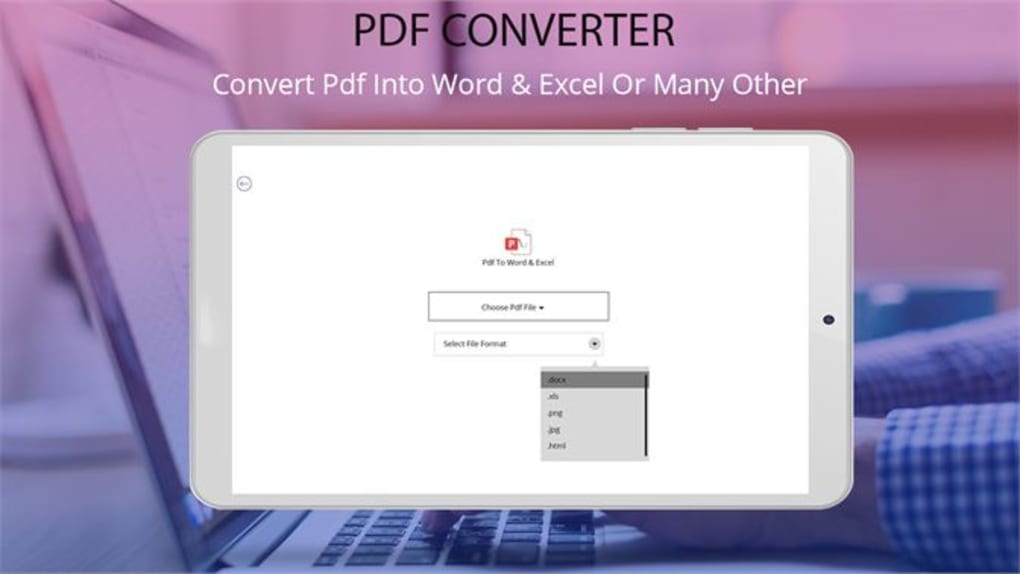
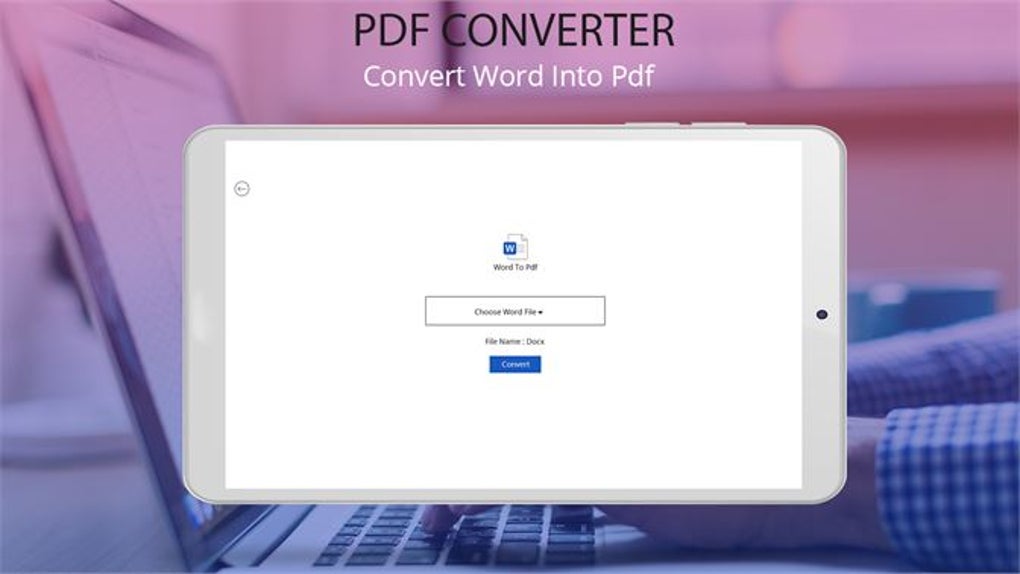
To convert a PDF to Word, simply tap or click the “Add Files” button and select one or more PDFs from your device. The app will display a preview of the selected files. Click the “Convert” button, choose your preferred output folder, and wait a few seconds. The software will generate a .docx file for each PDF, preserving the original structure. You can then open the converted files in Microsoft Word, Google Docs, or any other compatible word processor.
For advanced users, the settings menu allows you to adjust output quality, enable OCR, and set default save locations. The tool also supports drag-and-drop functionality on desktop versions, further enhancing usability. Regular updates are released to improve performance, fix bugs, and add new features—ensuring the software stays up-to-date and secure. With such a smooth workflow, even first-time users can convert their documents efficiently in under a minute.
Pros and Cons – Is This Tool Right for You?
Pros:
- Free and ad-free – No hidden costs or annoying pop-ups during use
- Fast conversion speed – Processes files in seconds, even large documents
- Batch processing – Convert multiple PDFs simultaneously without delays
- High accuracy – Maintains original formatting, fonts, and layout
- Secure offline use – No file uploads; your data stays private
- Cross-platform support – Works on Windows, Mac, Android, and iOS
- OCR-enabled – Converts scanned PDFs into editable text
Cons:
- Limited advanced editing tools – The app focuses only on conversion, not document editing
- No cloud integration – Files are stored locally; no Dropbox or Google Drive sync
- Basic interface – While simple, it may lack advanced customization for power users
Frequently Asked Questions (FAQ)
Is Pdf to Word PDF Converter free to use?
Yes, Pdf to Word PDF Converter is completely free to download and use. There are no subscription fees, trial periods, or hidden charges. The software remains free forever with no ads or in-app purchases.
Can I convert scanned PDFs to editable Word documents?
Yes, the software includes built-in OCR (Optical Character Recognition) technology, which allows it to extract text from scanned PDFs and convert them into fully editable Word files.
Does the software work on Mac and mobile devices?
Absolutely. Pdf to Word PDF Converter is available for Windows, Mac, Android, and iOS. You can use it on your desktop, laptop, tablet, or smartphone.
Is my data secure when using this tool?
Yes, all conversions happen locally on your device. No files are uploaded to servers or shared with third parties, ensuring maximum privacy and security.
How do I update the software?
The app checks for updates automatically. You can also manually check for updates in the settings menu. Updates are free and include performance improvements and bug fixes.
Final Verdict: A Must-Have Tool for PDF Conversion
If you're searching for a fast, secure, and free way to convert PDFs to Word documents, Pdf to Word PDF Converter is one of the best options available. Its combination of speed, accuracy, and ease of use makes it ideal for students, professionals, and casual users alike. With support for multiple platforms, batch processing, and advanced OCR, it outperforms many paid alternatives.
While it doesn’t include advanced editing features, its core purpose—converting PDFs to editable Word files—is executed flawlessly. The lack of ads, no hidden costs, and full offline functionality make it a trustworthy choice. Whether you're working on a Windows PC, Mac, Android tablet, or iOS device, this tool delivers consistent, high-quality results.
Don’t waste time on slow online converters or expensive software. Download Pdf to Word PDF Converter today and experience seamless, one-click PDF to Word conversion—free, secure, and reliable.
Software > Productivity Tools > PDF to Word Converter">Guides & Tutorials for Pdf to Word PDF Converter
How to install Pdf to Word PDF Converter
- Click the Preview / Download button above.
- Once redirected, accept the terms and click Install.
- Wait for the Pdf to Word PDF Converter download to finish on your device.
How to use Pdf to Word PDF Converter
This software is primarily used for its core features described above. Open the app after installation to explore its capabilities.
User Reviews for Pdf to Word PDF Converter 0
No reviews found





